Automating Your Sales Process: Where to Start When Your Team Is Used to Doing Things Manually
Automation
“Automation” comes up in nearly every strategy meeting this year – yet most businesses never get past the idea stage, because they don’t know where to start when their team has worked the old way for years. The problem isn’t a lack of tools – automation tools are everywhere now. The problem is approach: most businesses pick the wrong starting point, and an automation project that starts wrong usually ends with the team quietly going back to the old manual way of doing things.

The most common mistake: trying to automate everything at once
When a business decides to “automate,” the natural instinct is to list every manual process at once and look for one tool that promises to solve all of them simultaneously. This almost always fails, for two reasons. First, a system trying to automate too many different processes at once becomes very hard to configure correctly the first time – the more overlapping rules stack up, the easier it is for one of them to misfire without anyone catching it in time. Second, and more importantly, the operations team – the people who have to work with the new system every day – gets overwhelmed when their entire familiar workflow changes all at once, leading to quiet resistance: still keeping an Excel file running in parallel “just in case,” still double-checking over Zalo because they don’t yet trust the new system.
Start from the clearest bottleneck – not the one that “sounds impressive”
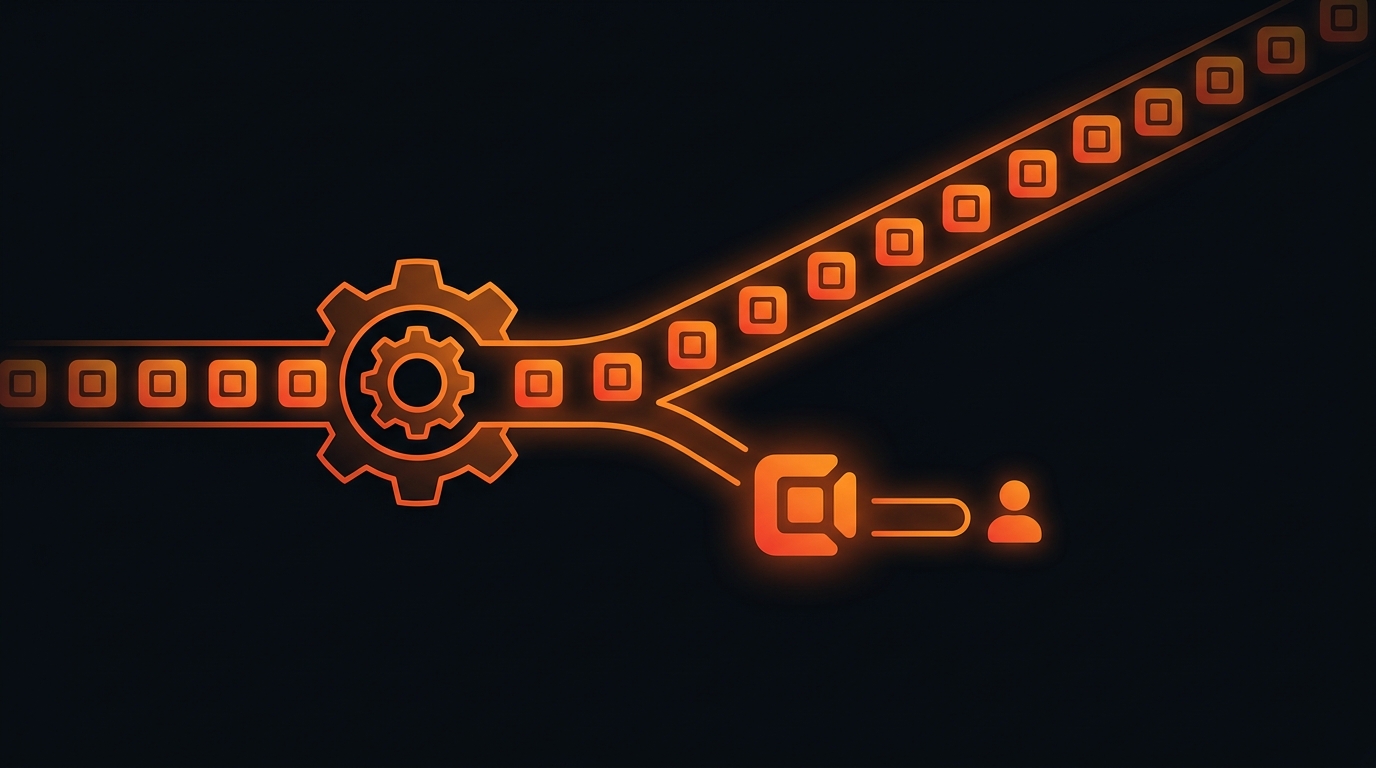
The right starting point isn’t the most complex process, or the one that sounds most “technical” – it’s the bottleneck with three specific traits: it repeats at high frequency, it visibly eats human time, and it barely requires human judgment to execute. Sorting incoming leads by source and routing them to the right salesperson is a textbook example – it happens dozens of times a day, eats the time of whoever handles it, and the routing rules are usually already clear (which region’s leads go to whom, which source gets priority). Sending payment reminder emails or messages, syncing data between two tools running in parallel, or automatically updating an order’s status when a new payment comes in – these are all the same shape of bottleneck: repetitive, time-consuming, low on judgment required.
Picking one bottleneck like this to start with, instead of trying to do everything at once, delivers two clear benefits: faster rollout, so the team sees results sooner – and once they see real results (not just promises), they naturally trust the system enough to expand into the next process.

Automation doesn’t mean removing people from the process
Another common misunderstanding: automation means replacing people. In practice, automation works best when it eliminates the repetitive, mechanical part of a task – and leaves the steps that need judgment, negotiation, or a human relationship for a human to handle. A system that automatically routes leads according to the right business rules doesn’t replace the salesperson making the consultation call – it just makes sure the salesperson gets the right lead at the right moment, instead of manually checking their inbox to see who signed up today. Good automation frees up human time from repetition so it can go toward the things that genuinely need a human.
Connect the systems first, automate the behavior second
A common technical mistake: trying to build complex automation logic before the systems involved actually “talk” to each other. If the CRM, email, spreadsheets, and messaging apps remain separate islands, no automated flow can run reliably across them – because data in each place is always at risk of drifting out of sync. The foundational step always has to be connecting the data across the tools already used daily into one seamless flow first, then building automation rules on top of that foundation. Doing it in the reverse order – automating first, connecting later – is a reliable recipe for mismatched reports and the exact double data-entry problem automation was supposed to eliminate in the first place.
How R HUB approaches automation
This is why R HUB builds automation as a connective layer on top of an existing Lead Data Platform and CRM, not as a separate bolt-on tool. Once the tools a business already uses daily – CRM, email, spreadsheets, messaging apps – are connected and syncing data in real time, repetitive tasks can be automated safely: new leads get routed to the right person by business rule, order status updates automatically when something changes in the CRM, payment reminders go out on schedule without anyone having to remember to send them manually. Because the data is already synced, there’s no more double entry or mismatched reporting between departments – exactly the problem R HUB’s earlier piece on Real Estate CRM covered: a fragmented system always creates a data gap, and automation can’t close that gap if the foundation underneath isn’t properly connected.
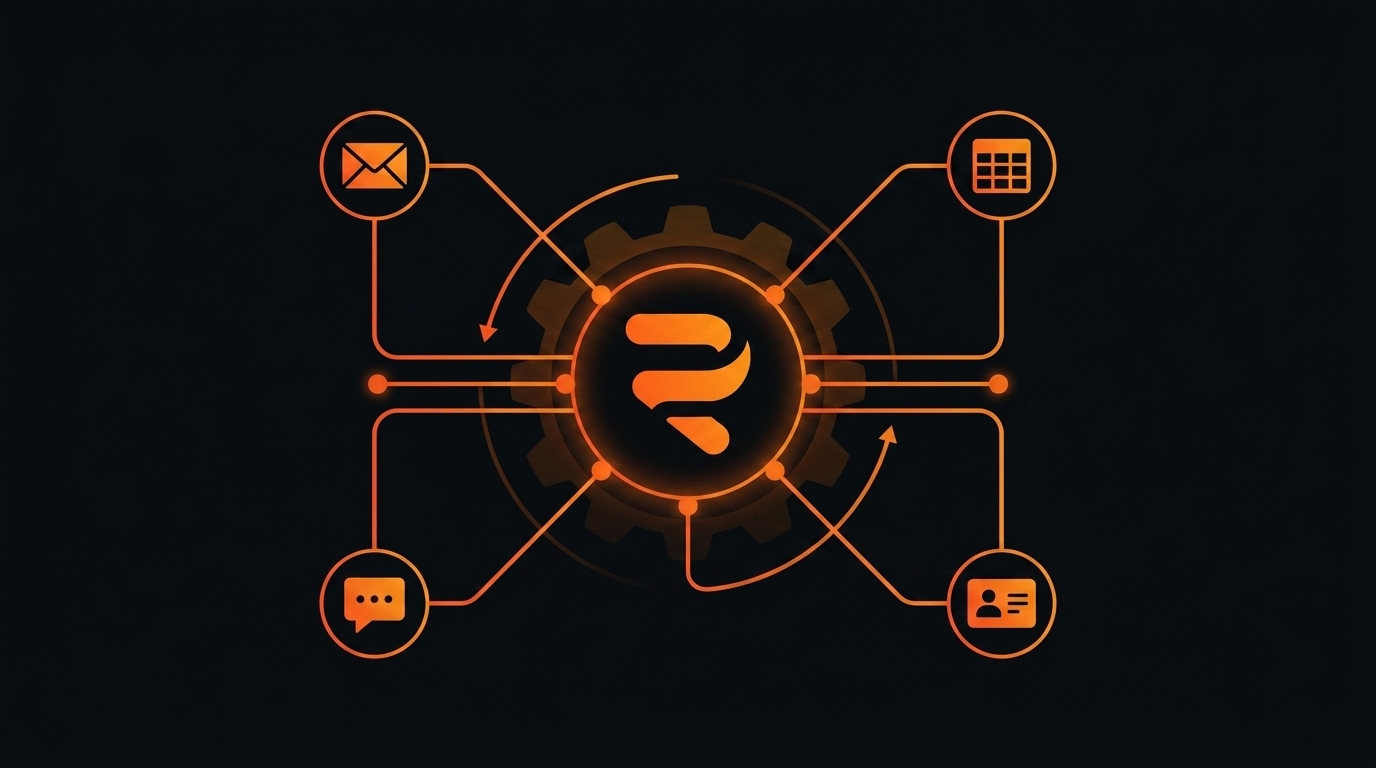
With this approach, a business doesn’t need to “automate everything at once” – just start at the right bottleneck, on a foundation of already-connected data, then expand gradually as the team gets comfortable and trusts the new system.
Which process on your team eats the most time right now because it’s still done manually? Book a free 30-minute consultation with R HUB to find the right starting point for your automation roadmap.
Related articles

Lead Response Speed: Why the First 5 Minutes Decide Your Conversion Rate
The odds of connecting with a lead drop sharply after the first five minutes. See why response speed affects conversion…
Read more
The Form Submits Fine, the Lead Just Waits in an Inbox: Why Website Forms Need to Connect Directly to Your CRM
The form submits fine but the lead just waits in an inbox for someone to check - twelve hours pass…
Read more
Duplicate Customer Records: Why the Same Person Ends Up With Three Different Profiles in Your CRM
A customer can accidentally end up with three different CRM records just by touching three different channels. See how duplicate…
Read moreStart with a conversation.
Tell us the real problem you're facing. In 30 minutes, you'll know your next move - even if that move isn't us.
Book a free consultation