The Customer Messaged on Zalo Asking About Price – Sales Had No Idea They’d Called Before: Why Zalo Needs to Sync With Your CRM
Automation
- 1. Why Zalo matters so much, and why it’s also the easiest thing to overlook
- 2. What happens when Zalo stays disconnected from the CRM
- 3. What syncing Zalo OA with a CRM actually looks like in practice
- 4. Zalo is one touchpoint in the journey, not the whole journey
- 5. How R HUB handles this
- 6. Where to start if Zalo and your CRM are currently disconnected
A customer messages on Zalo one evening asking about pricing. The rep on Zalo duty replies, sends the price list, and that’s it – with no idea that this same customer called the hotline about the same product two weeks earlier, got a detailed consultation from a different rep, and had even left their phone number on an ad form before that. Three touchpoints, three disconnected fragments of information, and nobody at any of the three points knew about the other two.
This isn’t a rep’s mistake. It’s the consequence of Zalo OA – the most widely used messaging channel with Vietnamese customers – operating as an island completely cut off from the CRM.
Why Zalo matters so much, and why it’s also the easiest thing to overlook
Compared to email or a website form, Zalo has a far higher open and reply rate – Vietnamese customers tend to message on Zalo for a quick, short answer rather than fill out a long form or pick up the phone right away. As a result, many businesses funnel most of their customer engagement through Zalo OA.
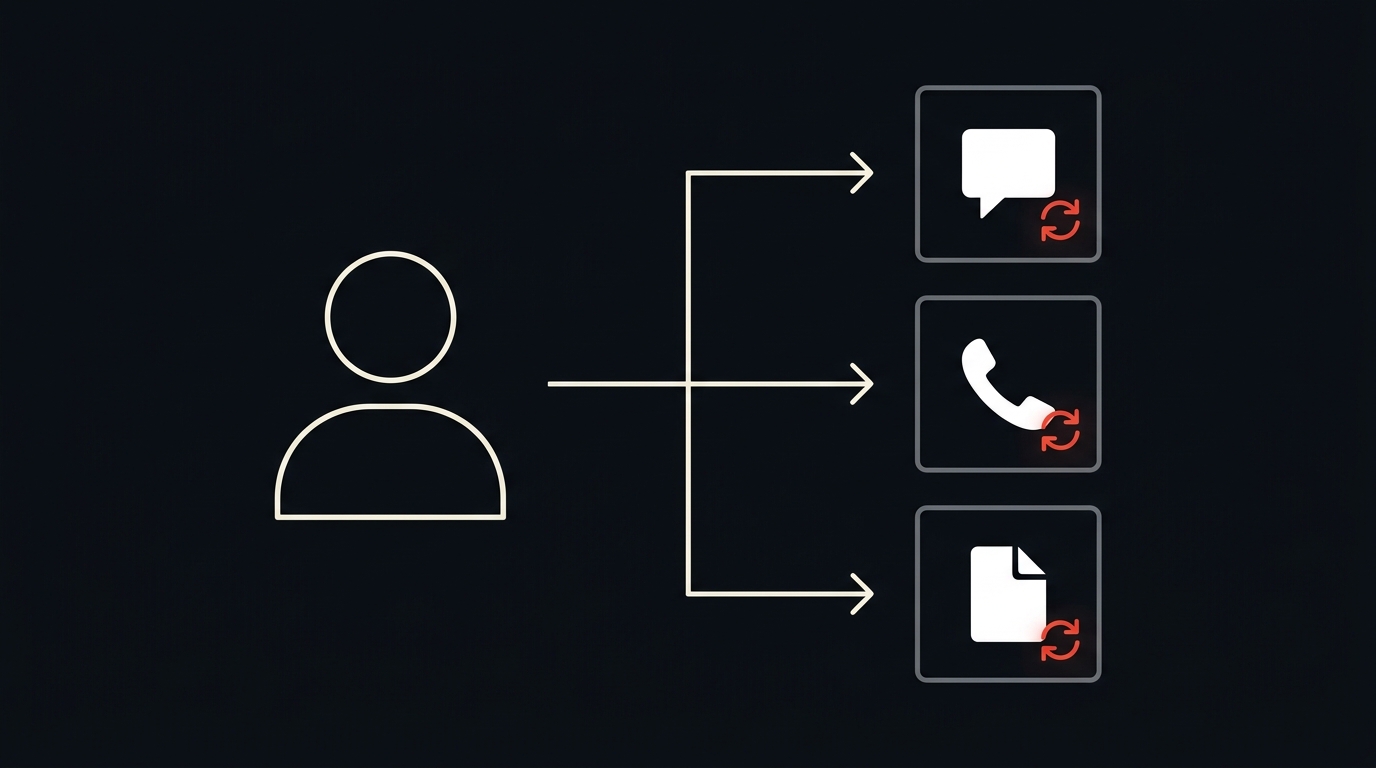
But precisely because Zalo is an independent messaging platform, run through its own app or OA manager, it’s usually completely separated from the core customer data system. A rep handling Zalo only sees the conversation happening right in front of them – no call history, no record of forms already filled out, no idea which stage of the buying journey this customer is actually in.
What happens when Zalo stays disconnected from the CRM
The first consequence is a fractured customer experience. Customers have to repeat information they’ve already given – their name, their needs, their budget – every time they switch channels, because nobody on the other end knows what was already discussed. For a customer weighing a purchase decision, having to explain everything from scratch is reason enough to go find a supplier that’s less of a hassle to deal with.
The second consequence is losing an important signal for lead scoring. A customer who proactively messages on Zalo asking about specific pricing or a payment schedule is a very strong buying signal – but if that conversation lives outside the CRM, it never gets factored into the lead score, and the customer risks getting misclassified as cold when they’re actually red hot.
The third consequence is a break in handoff and reassignment. When a rep leaves the company or switches shifts, their entire Zalo conversation history with customers usually stays behind in a personal account or a separate app – there’s no systematic way to hand it over to whoever takes over, and the customer gets dropped mid-conversation.
What syncing Zalo OA with a CRM actually looks like in practice
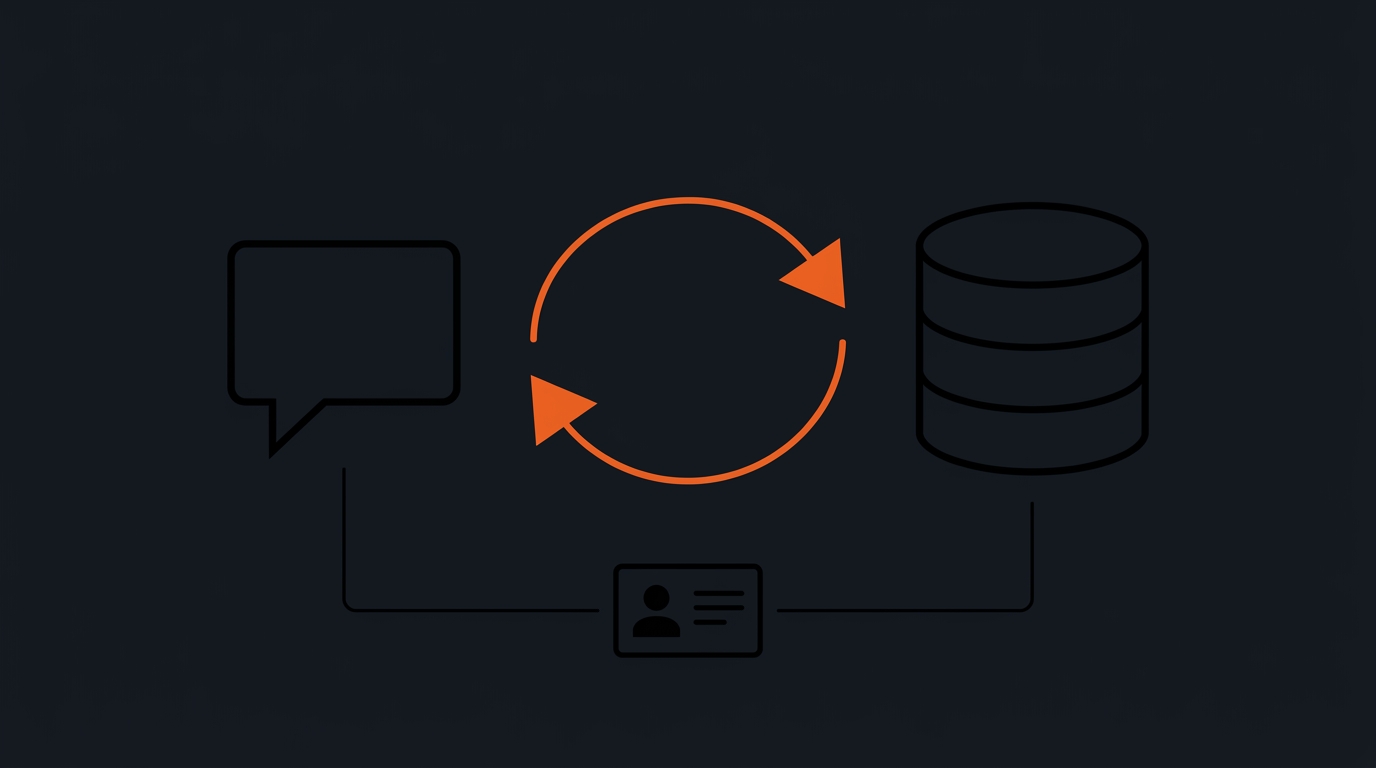
Syncing doesn’t mean moving the entire chat interface into a different system – reps can keep messaging through Zalo exactly as they do now. What changes is that every conversation, every important message, gets automatically logged into the right customer record in the CRM, tied to that customer’s full interaction history: calls, forms, and any past purchases.
Once that’s in place, any rep who picks up a new Zalo conversation immediately sees whether this customer has reached out before, what they were told, and where they sit in the sales funnel. No more asking the same questions from scratch, no more conflicting advice given across different touchpoints.
Two-way sync also enables the reverse: information from the CRM – order status, upcoming appointments, a promotion that actually fits this customer – can be used to personalize outgoing Zalo messages, instead of blasting the same generic content to everyone.
Zalo is one touchpoint in the journey, not the whole journey
It’s easy to treat Zalo as an independent sales channel, separate from ads, the website, and phone calls. In reality, Vietnamese customers routinely move back and forth across these channels within the same buying journey – see a Facebook ad, visit the website for more detail, message on Zalo with specific questions, then call to actually close.
Our post on multi-touch attribution covered measuring each touchpoint in that journey fairly. Zalo can only be counted correctly in that picture if its conversation data is unified with data from every other channel – otherwise, any attempt to measure the full customer journey is always missing an important piece.
How R HUB handles this
That’s why R HUB’s Lead Data Platform connects directly to Zalo OA, automatically logging messages against the correct existing customer record – or creating a new one if this is the first touchpoint – instead of leaving conversation data isolated inside the Zalo app. This entire history syncs with CRM, so whoever on the sales team picks up that customer has the full context immediately.
Where to start if Zalo and your CRM are currently disconnected
You don’t need to change how your sales team works day-to-day right away. The sensible first step is checking what percentage of your current deals show traces of Zalo interaction – if that number is significant, it’s a clear signal that syncing this data is worth prioritizing ahead of other channels.
The next step is identifying the minimum information that needs two-way sync: conversation history, lead or customer status, and key milestones like quote sent, appointment scheduled, or deal closed. You don’t need to sync every single data field from day one – start with whatever directly affects a rep’s decision when picking up a new conversation.
Once Zalo stops being an isolated island, every message a customer sends becomes part of a complete data picture – instead of a floating fragment of information that vanishes the moment the conversation ends.
If your business is engaging customers over Zalo but it’s still disconnected from your sales data, book a 30-minute conversation with R HUB to see how to bring these two systems together.
Related articles
Lead Response Speed: Why the First 5 Minutes Decide Your Conversion Rate
The odds of connecting with a lead drop sharply after the first five minutes. See why response speed affects conversion…
Read more
The Form Submits Fine, the Lead Just Waits in an Inbox: Why Website Forms Need to Connect Directly to Your CRM
The form submits fine but the lead just waits in an inbox for someone to check - twelve hours pass…
Read more
Duplicate Customer Records: Why the Same Person Ends Up With Three Different Profiles in Your CRM
A customer can accidentally end up with three different CRM records just by touching three different channels. See how duplicate…
Read moreStart with a conversation.
Tell us the real problem you're facing. In 30 minutes, you'll know your next move - even if that move isn't us.
Book a free consultation