The Form Submits Fine, the Lead Just Waits in an Inbox: Why Website Forms Need to Connect Directly to Your CRM
Automation
A customer fills out a form on the website at 11pm. The form submits successfully, a thank-you message appears, an automated email goes out. But that information just sits in a shared inbox nobody checks outside office hours, until the next morning when someone opens the email and manually copies it into a spreadsheet to hand off to sales. Twelve hours have passed since the customer was actually interested.
This is a different kind of quiet lead loss than what we covered in our first post about leads “disappearing” – this time the problem isn’t ads or data scattered across channels, it’s the website itself: the form works perfectly, but there’s no direct line from that form to the person who actually needs to know right away.

Why website forms are still such a common bottleneck
Many websites are built with a contact form that operates independently – sending a notification email, maybe saving to a form-management plugin on WordPress, but never connecting directly to the CRM where sales actually works every day. Under this setup, every new lead requires a manual intermediate step: someone has to check the inbox, confirm it’s a real lead, then type it into the CRM by hand.
That intermediate step looks small but is exactly where the most time gets lost. Not because nobody’s working, but because there’s no guarantee it happens right away – it depends entirely on whether someone happens to be online checking the inbox at that exact moment.
The consequences go beyond just being slow
The first consequence is losing the golden window – the period right after a customer fills out a form, when they still remember exactly what they need and are most willing to talk. Every hour that passes without a response increases the odds they go find another supplier instead.

The second consequence is errors from manual data entry – a mistyped phone number, a missed field, or simply forgetting to hand a lead off to sales because the email got buried among dozens of others that day. This is actually one of the root causes of duplicate data: when entering things by hand, there’s no automatic check for whether this lead already exists in the system.
What a direct connection actually looks like
Connecting a form to the CRM doesn’t mean changing what the form looks like to the customer – it can look exactly the same as before. What changes is what happens right after the customer hits submit: instead of just sending an email, the form data gets pushed straight into the CRM instantly, automatically creating a new lead record or attaching to an existing one if the phone number matches, and firing an alert to a rep immediately – even outside office hours.
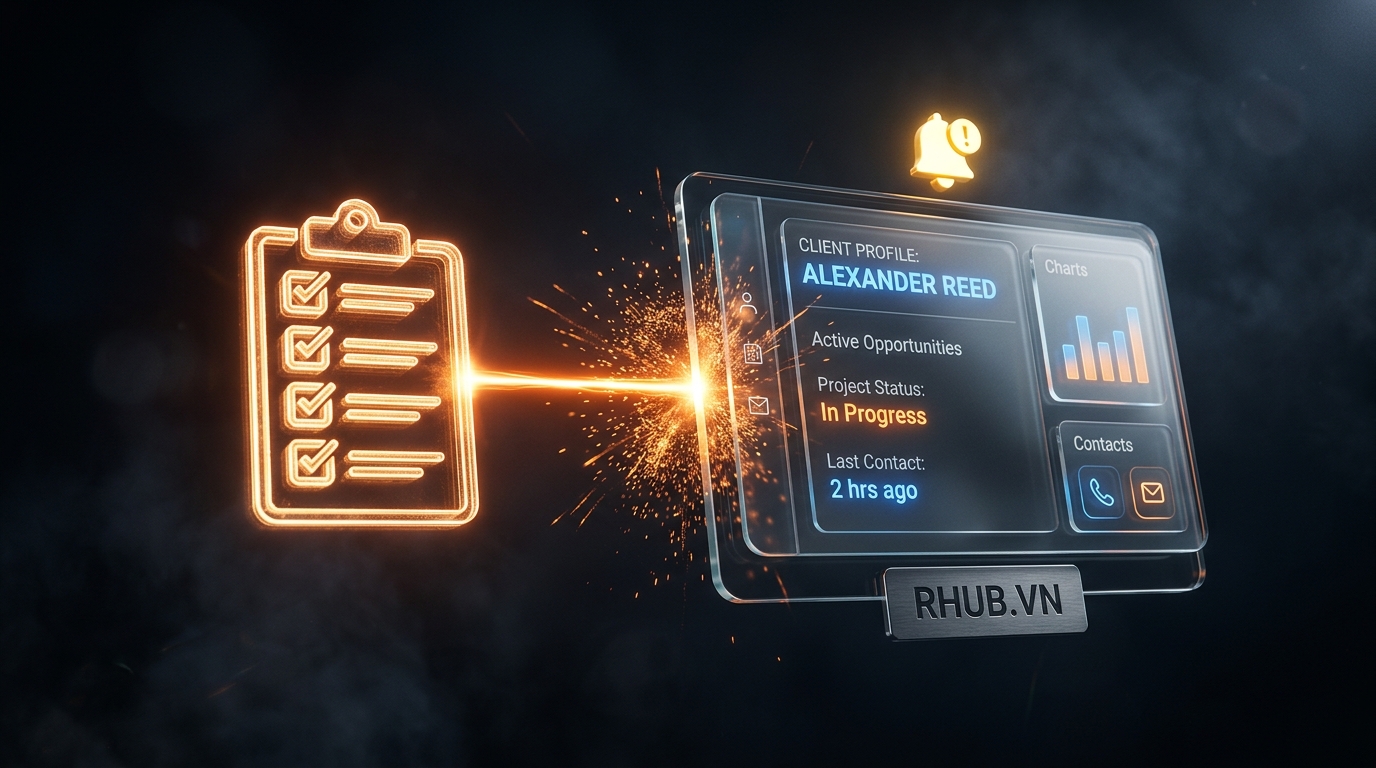
This also opens the door for automated lead scoring to kick in from the very first moment: a lead who just filled out a detailed form about budget and timeline can be scored and prioritized right away, instead of waiting until someone finishes typing it in by hand before it even starts getting processed.
Why many businesses still haven’t connected the two
The most common barrier is technical: many websites get built in stages, by different vendors over time, and the contact form was simply never designed to talk to a CRM from the start. Connecting the two systems requires understanding both the website’s structure and the CRM’s data structure – something that’s easy to overlook when the website and CRM were built by two different parties with nobody responsible for wiring them together.
How R HUB handles this
That’s why whenever R HUB builds a website for a client, every form gets connected directly to the Lead Data Platform from launch day – there’s no manual step between the moment a customer hits submit and the moment that lead appears in CRM, ready to be scored and assigned immediately.
Where to start if your website isn’t connected to your CRM yet
The first step is measuring actual response time for a few recent leads – from when the form was submitted to when a rep first called back. If that gap regularly exceeds an hour, that’s a clear signal there’s a manual gap that needs automating.
The next step is identifying exactly which form brings in the most leads, and prioritizing a direct connection for that one first, instead of trying to connect the entire website at once.
If your website’s forms are still landing in an inbox waiting for someone to check it, book a 30-minute conversation with R HUB to see how to connect forms directly to your CRM.
Related articles
Lead Response Speed: Why the First 5 Minutes Decide Your Conversion Rate
The odds of connecting with a lead drop sharply after the first five minutes. See why response speed affects conversion…
Read more
Duplicate Customer Records: Why the Same Person Ends Up With Three Different Profiles in Your CRM
A customer can accidentally end up with three different CRM records just by touching three different channels. See how duplicate…
Read more
Real-Time Sales Reporting: Why Managers Shouldn’t Wait Until End of Day to Know What’s Happening
Waiting until end of day to know what your sales team accomplished is too late to intervene. See why real-time…
Read moreStart with a conversation.
Tell us the real problem you're facing. In 30 minutes, you'll know your next move - even if that move isn't us.
Book a free consultation